Your AI work assistant.
Say it once. Get the file. Tell Super Agent the job in one sentence: it asks what it needs, shows you the plan, and hands back the finished work.
An AI work assistant that finishes the job, wherever your data has to stay.
Super Agent is a desktop app. You describe the work, it asks what it needs, shows you a plan, and hands back the finished file. It can run on the models you choose, on your own computer, or on a box in your office.
Files, not chat.
Decks, documents, spreadsheets and research briefs, formatted and ready to send. It asks first and shows the plan before it starts.
How it works 02 · Local AIYour Agent. On your computer.
Super Agent checks your machine and sets up an open model that fits it. Simple steps run locally, offline and at no cost.
Local models 03 · AI EdgeYour Agent. On your site.
A Super Agent box for your office runs larger models for every desk on your network, so nothing leaves the building.
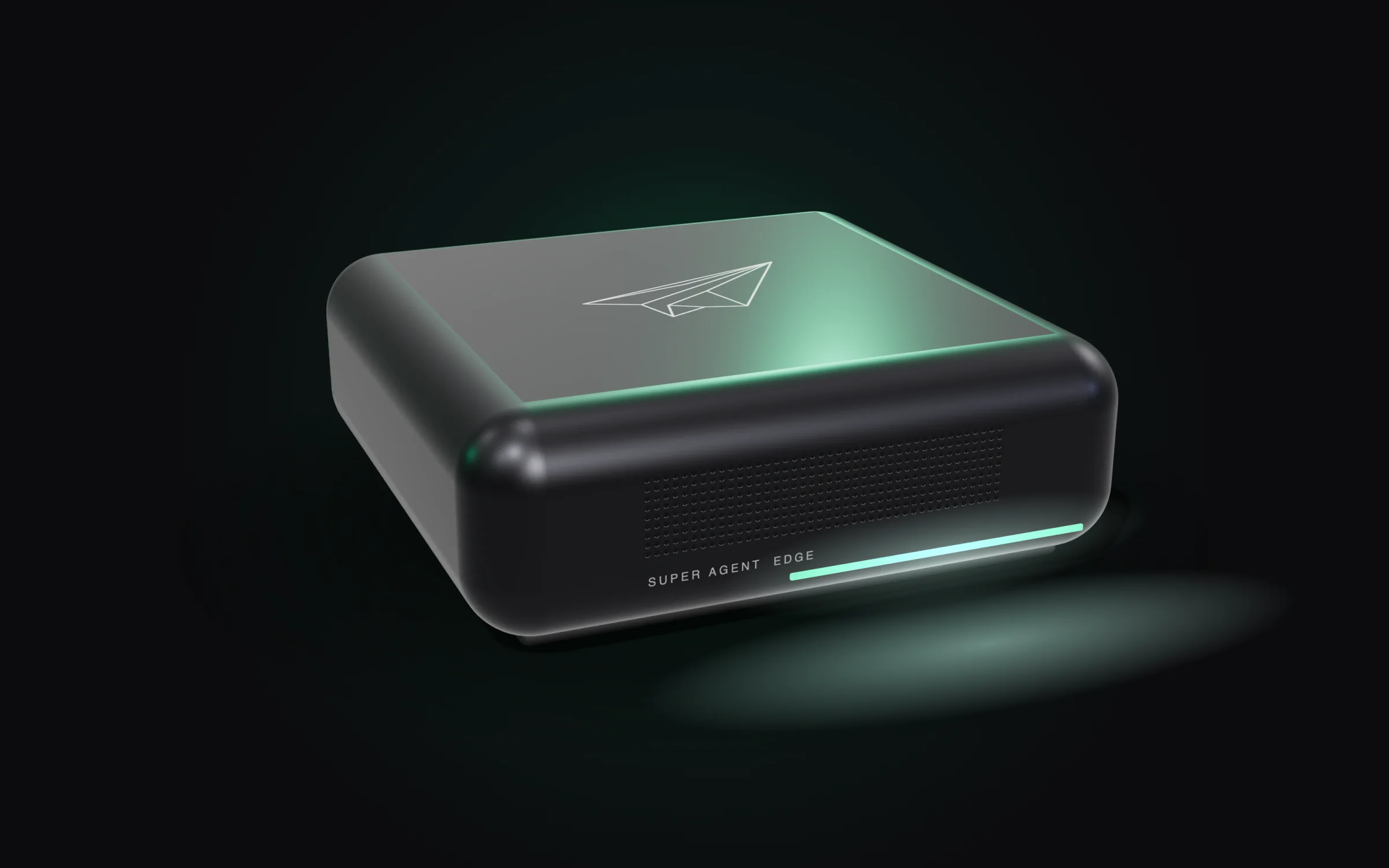
One assistant for the whole team.
Shared workspaces and files, member management, usage visibility and policies your admin controls.
Team featuresOne box. Say what you need.
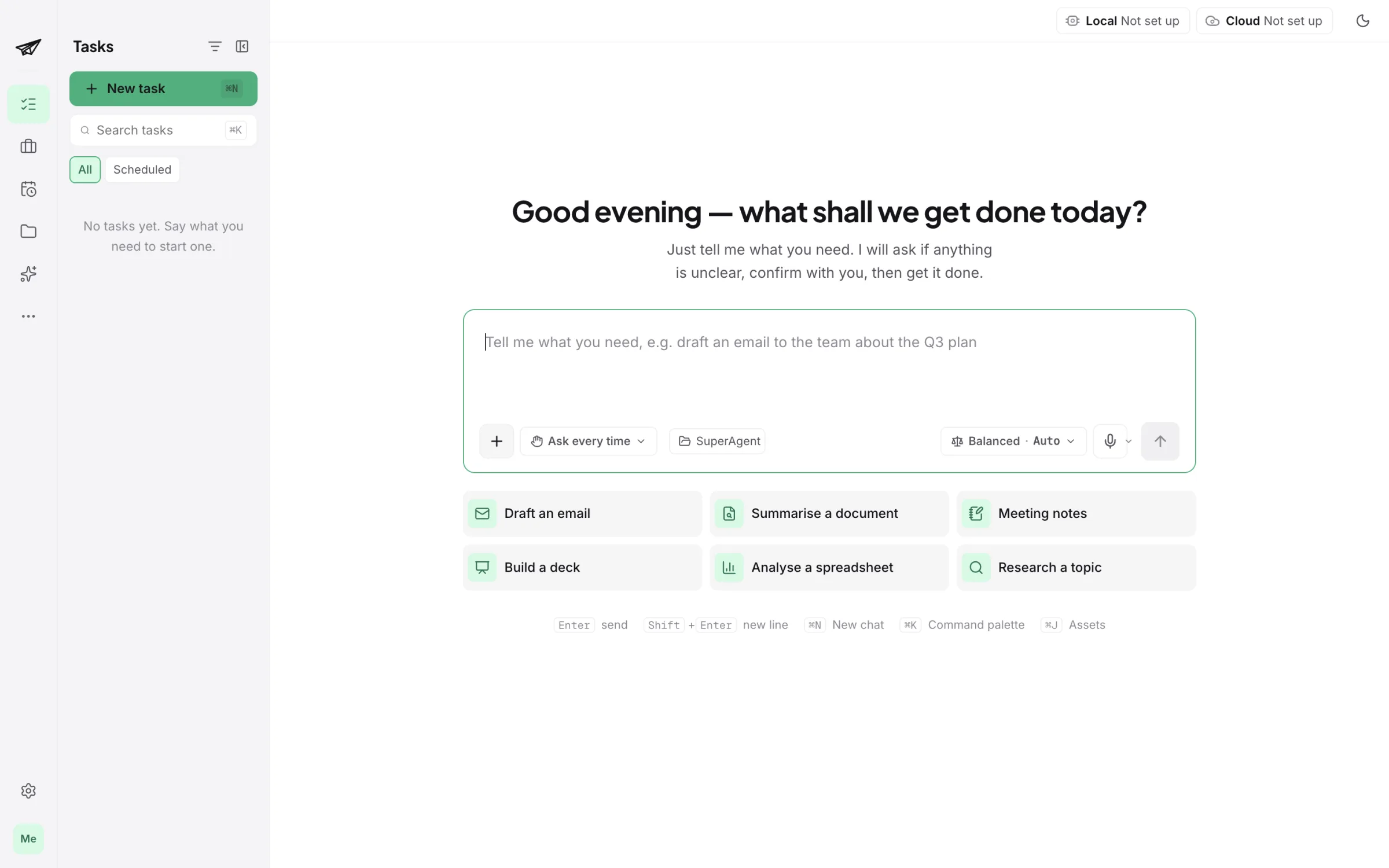
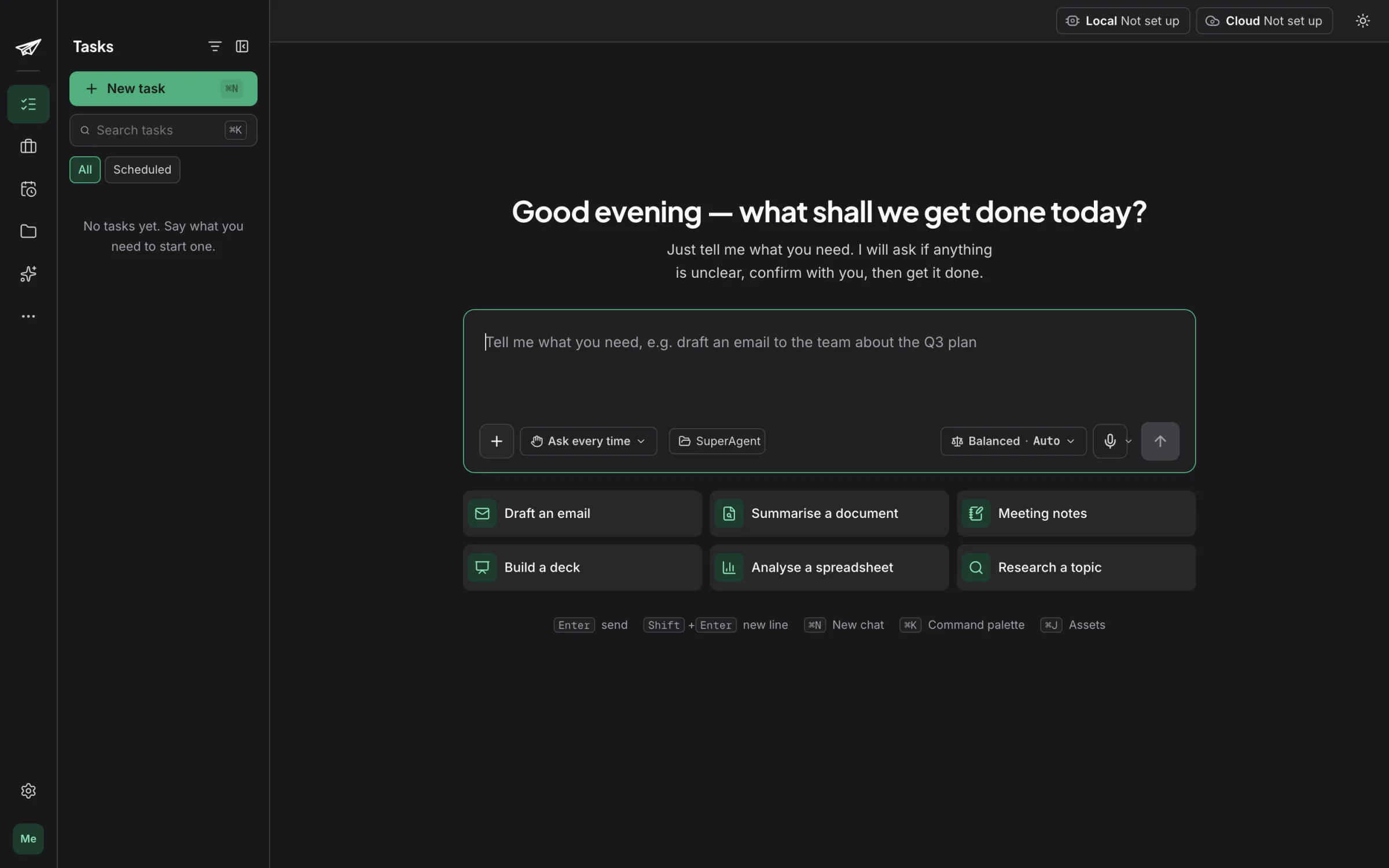
This is the current build. Super Agent opens to a single input: describe the job, and it takes it from there.
Before you join
When can I start using it?
We open early access in waves, in the order people joined the waitlist. When your invite is ready we send one email to the address you gave us.
What does it run on?
Super Agent is a desktop app for macOS and Windows. It works with your local files, so there is nothing to upload before you start.
Where does my data go?
Your files stay on your computer. On a capable machine Super Agent can use an open model that runs locally, so a task can finish without anything leaving your computer. You choose when cloud models are used.
How much will it cost?
We will publish pricing before launch, with plans for individuals and for teams. Joining the waitlist is free and doesn’t commit you to anything.
Can my whole team use it?
Yes. Choose “My team” when you join. Team plans add shared workspaces, member management, usage visibility and admin policies.